The domain has no useful page
Replace a browser error or generic parking screen with a clear sale message and response route.
 DomainSalesLander
Guide for domain sellers
A domain lander is a page on a domain you own that tells visitors it is for sale and gives them a way to contact you, make an offer, or continue to a transaction service.
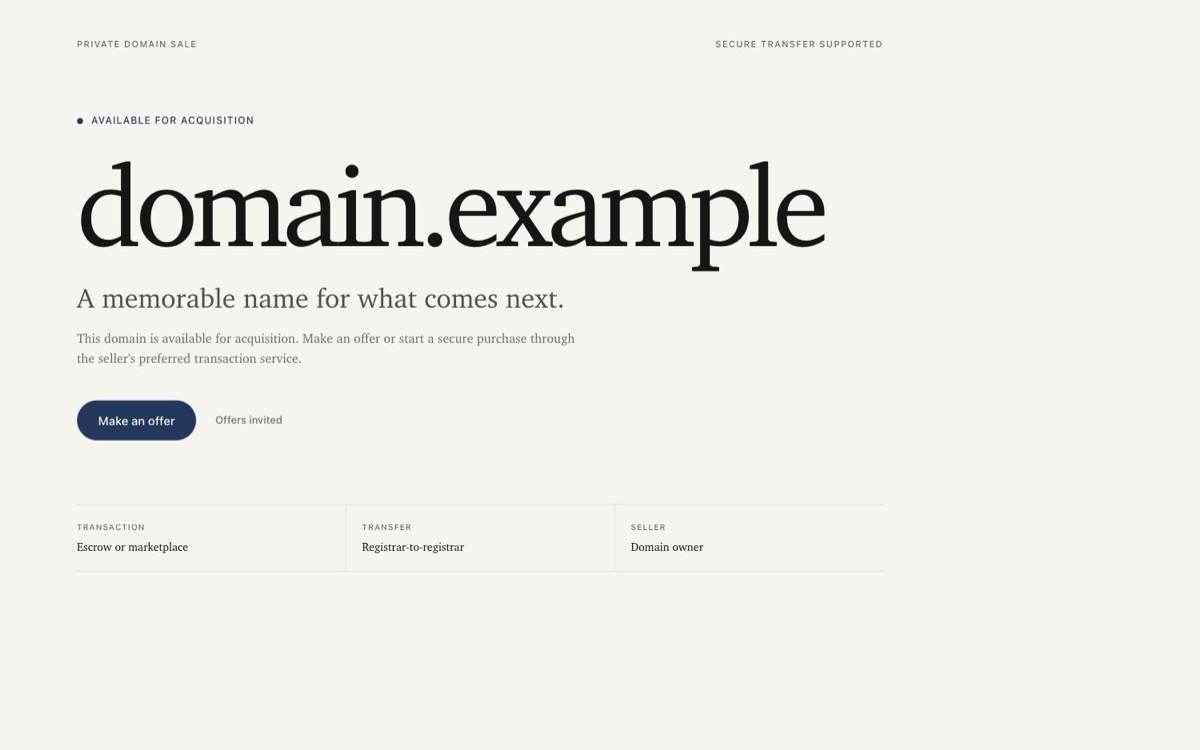
A domain sales lander is the page someone sees after typing a domain into a browser. It replaces a blank page, parking notice, or unrelated website with a direct explanation of the sale.
A lander is useful before a buyer ever reaches a marketplace listing or sends a speculative email.
Replace a browser error or generic parking screen with a clear sale message and response route.
Present the sale in your own voice, then send ready buyers to Escrow.com, Afternic, Sedo, Atom, or another service you trust.
Give each domain its own price, sale method, status, and buyer page while keeping management under one account.
Keep an editable HTML copy so the page can move to another host without rebuilding the offer.
Start with the free Editorial demo for a quiet, readable page. Choose Midnight for a dark presentation or Signal to give a short domain more presence. All three support the same buyer actions.
Editorial is included with Free. Managed publishing with Midnight or Signal requires Plus or above. These demos use fictional domains and contact details, not customer listings or completed sales.
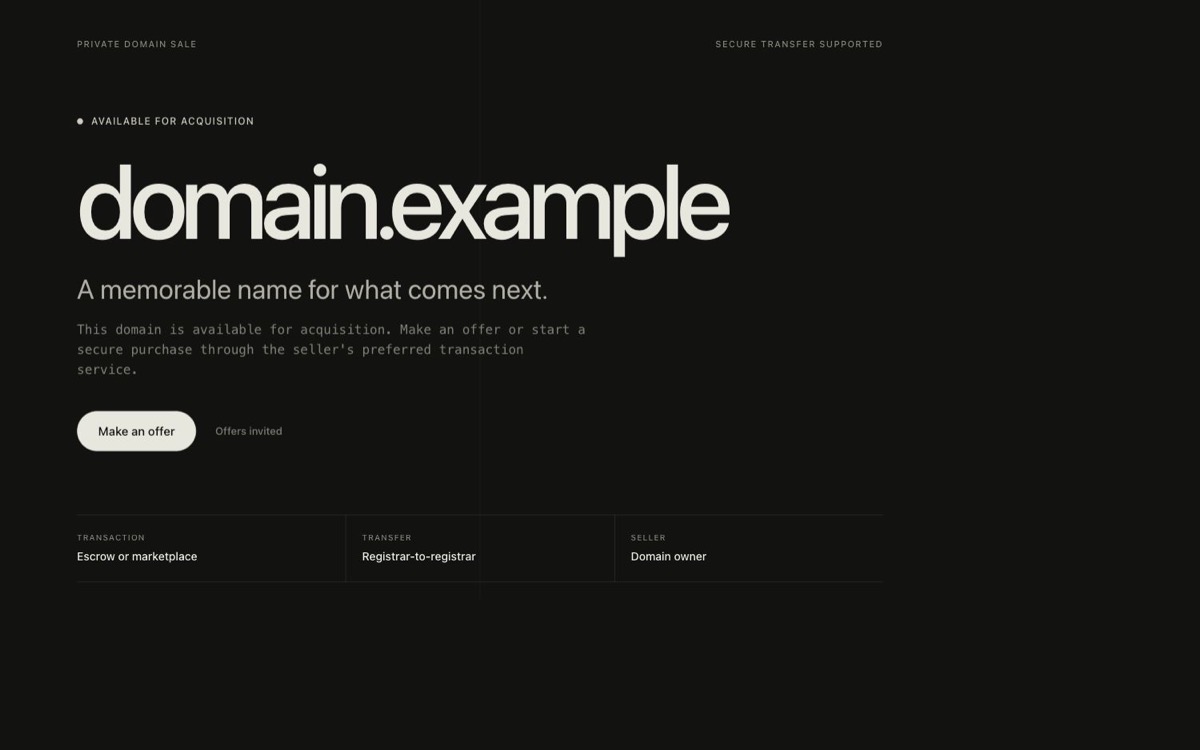
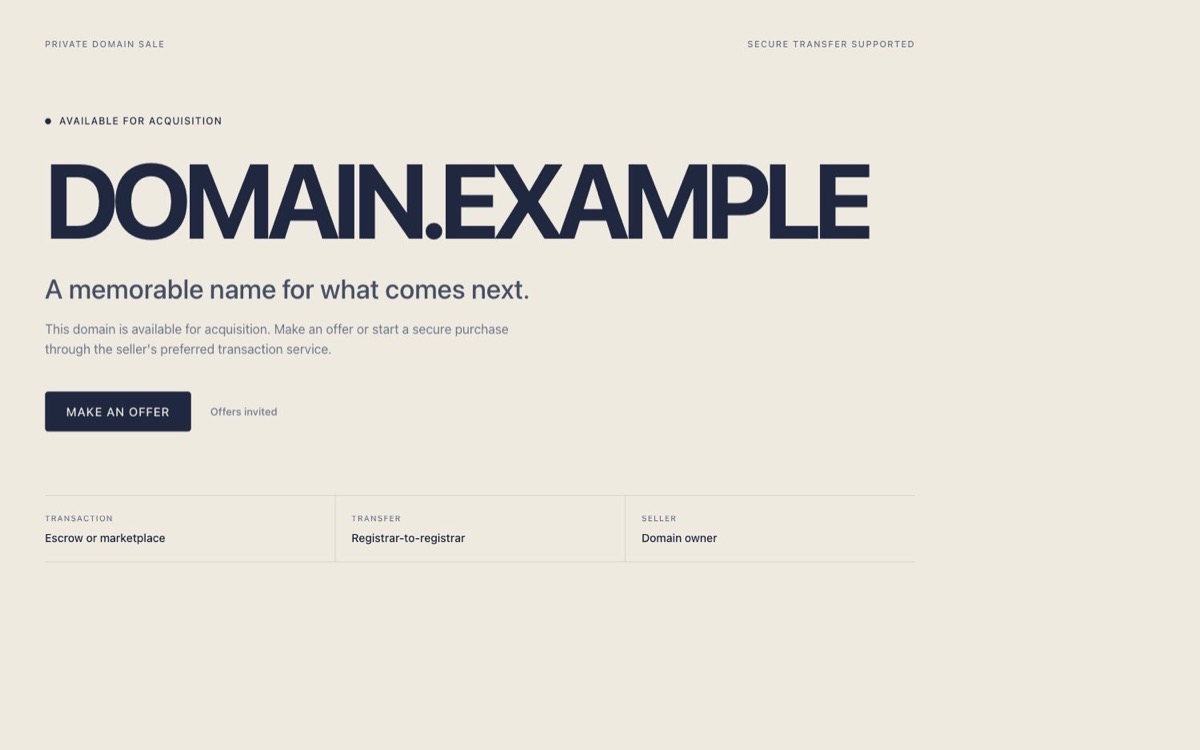
Choose the sale method before the template. The fictional examples below use example.com; replace the domain, amount, contact details, and transfer terms with your own.
Example copy: “example.com is for sale for USD 2,500.” Use this when you are ready to sell at the displayed amount.
Buyer action: Link to your verified listing or checkout page. Make sure its domain and price match; displaying a price alone does not process a payment.
Example copy: “example.com is available. Send your offer and intended use to seller@example.com.” Use this when you prefer to discuss the price privately.
Buyer action: “Make an offer” opens an email draft or your chosen transaction link. DomainSalesLander does not collect offers in an inbox of its own.
Example copy: “Interested in example.com? Contact seller@example.com to discuss availability and price.” Use this when you want to answer questions before inviting a formal offer.
Buyer action: “Contact seller” opens the visitor's email app. Use a public address you monitor and test the link before sharing the page.
Example copy: “example.com is for sale. View the listing on our chosen marketplace for pricing and purchase details.” Use this when the transaction will continue through another provider.
Buyer action: Link directly to the relevant HTTPS listing and name the provider in your copy. Confirm that your listing terms allow this setup.
Both can appear on an unused domain. Look at what the page asks the visitor to do to tell them apart.
Use the examples above to review your own page. A visitor should be able to understand the offer without knowing which tool made it.
Keep the complete domain readable, including its extension. Check a long name in the mobile preview before choosing a large-type template.
State the price and currency, or clearly invite an offer. Do not show a fixed amount in one place and ask buyers to guess the price elsewhere.
Match the button to its destination: an email draft for an inquiry or a named service for a transaction. A price displayed on the page is not a payment form.
Ready to build? Use the domain sales page builder. If your page is already prepared, connect its domain and HTTPS.
Build your sales pageA lander gives people who visit your domain a useful destination. It does not guarantee traffic, inquiries, or a sale. You may still need a marketplace listing or your own promotion. Read the domain selling guide for pricing and finding buyers.
No. The same template can show a fixed price or invite offers. Choose the sale method based on whether you are ready to state an asking price, then choose the visual presentation.
No. Parking often focuses on ads or a provider-branded notice. A sales lander focuses on the seller's offer and the buyer's next action.
No. The domain stays in your registrar account. You connect only the exact hostname used for the sales page.
Choose one primary action so a visitor knows where to start. Put any supporting transfer explanation near that action rather than adding competing buttons.
Yes. Your page can link buyers to the marketplace or transaction service you already trust.