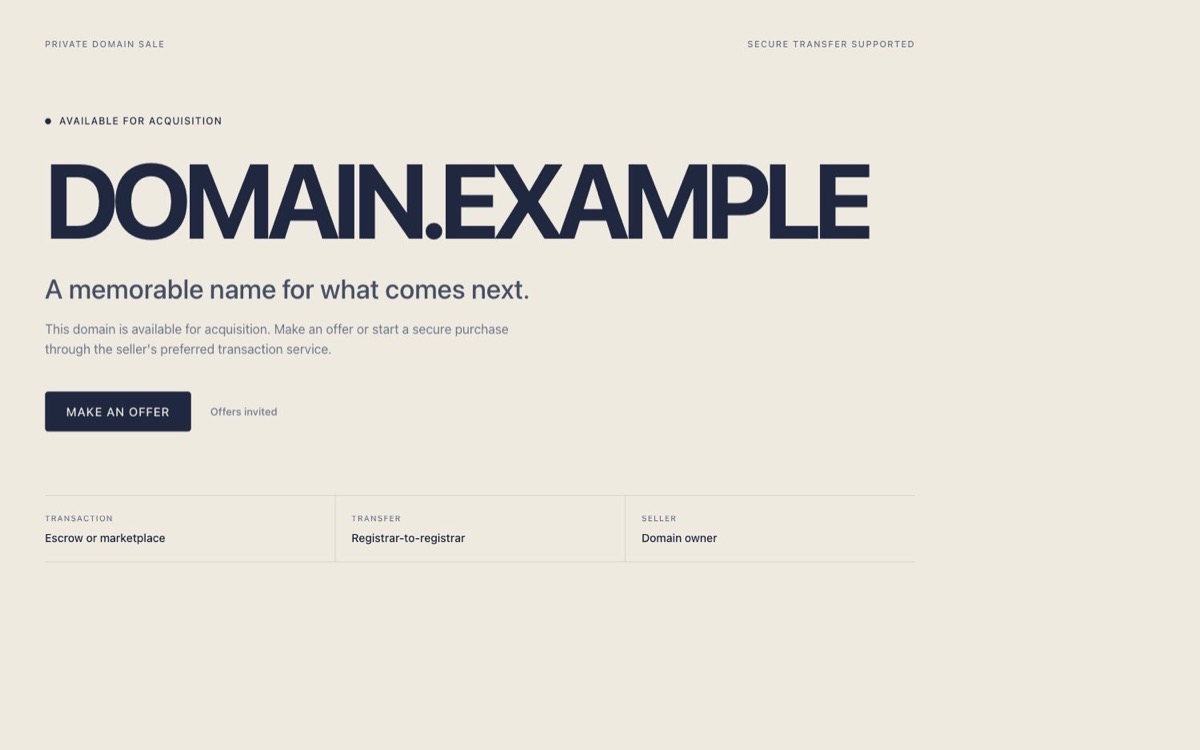
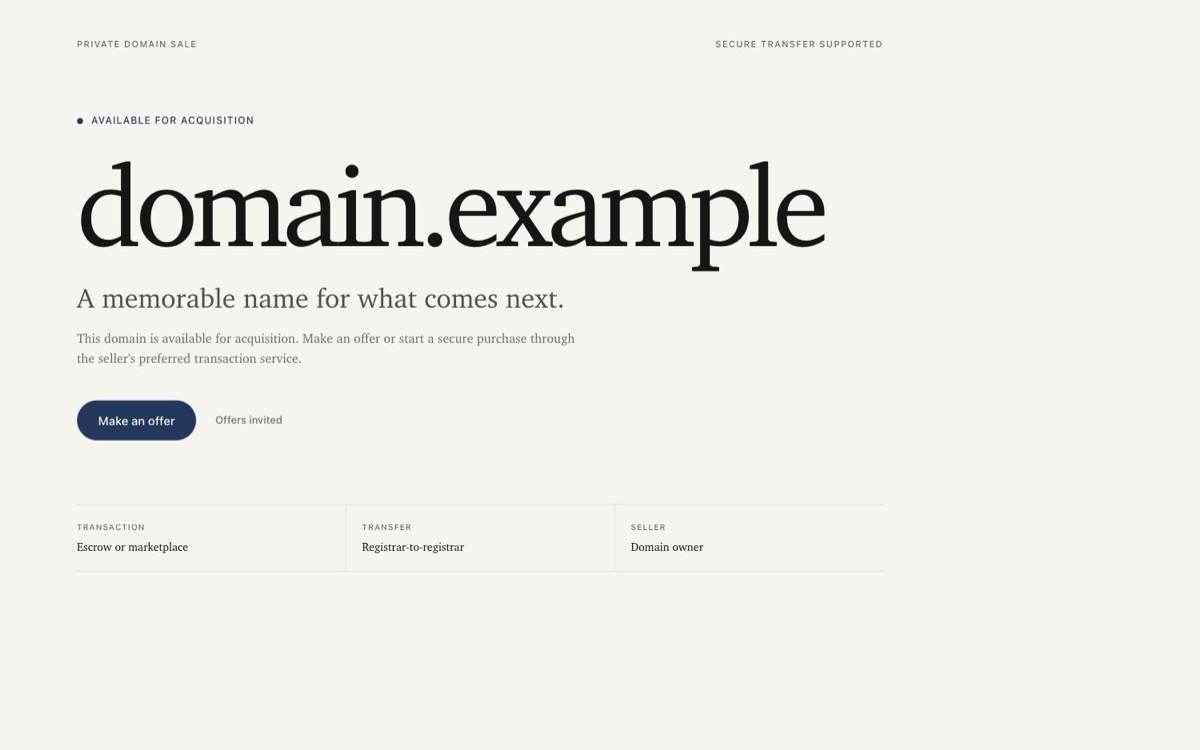
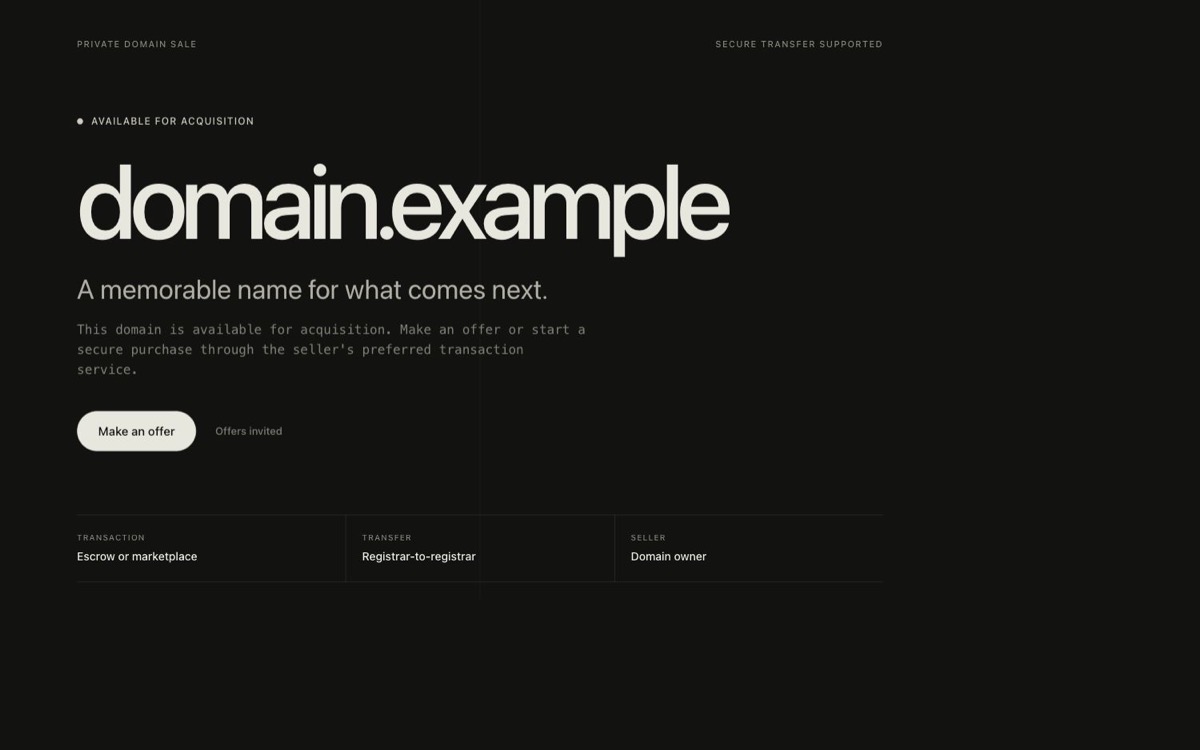
The public page should lead with the domain and one clear buyer action.
Decide three things before you build.
If these inputs are clear, the rest of the page can stay focused.
Exact hostname
Choose example.com, www.example.com, or a subdomain. Each is a separate publishing target.
DNS access
Find the provider that currently manages your DNS records. It may be different from the registrar where you bought the domain.
Current website
Record where this hostname points now. Connecting the sales page will replace the website served at that exact address.
Preview the finished buyer page before choosing how to publish it.
Have your page ready to connect.
This guide starts with a prepared page. If you still need one, use the sales page builder, then return here for the domain connection.
Enter the exact hostname.Pasted protocols and paths are removed, but www and subdomains are preserved.
Choose the action.Use a price, offer button, contact email, or trusted transaction link.
Check every template.Make sure the domain, price, contact route, and transfer explanation are easy to scan.
Choose who hosts the page.
Managed Publish hosts the page directly from the Builder. Export is available if you prefer your own host, and remains available after managed publishing.
Managed Publish
Use the built-in route when you want DomainSalesLander to host the page and manage its HTTPS certificate.
Sign in and publish the saved configuration
Add the exact website DNS record shown
Check hostname, certificate, and buyer-page status
Return later to edit, unpublish, or disconnect
Free includes one exact hostname, the Editorial template, hosting, HTTPS and a website mark, with no expiry. Domain registration and renewal are separate. Paid plans increase total capacity.
Your hosting account
Download the editable HTML and upload it to a host you control.
Keep the exported file
Connect the hostname in that host
Enable HTTPS there
Open the public URL yourself
A downloaded file is not live until your host and domain are connected.
Connect www.example.com step by step.
This fictional example connects www.example.com using Editorial and a make-an-offer email. Use your own domain and public sales address; these sample details are not a live listing.
Prepare the buyer page
In the Builder, enter www.example.com, choose Editorial and Make an offer, then enter your public sales email. Preview the page and check the spelling of the domain and contact address.
Sign in and choose Managed Publish
Publish the saved page to www.example.com. This uses one position; example.com is not connected automatically. Keep the displayed DNS instructions open while you visit your DNS provider.
Connect only this hostname
Copy the exact record type, name and value from the publishing screen. In the example below, a provider that appends example.com expects www in the Name field. If it expects a complete hostname, use www.example.com. Check the saved name to avoid adding the domain twice.
Run the connection check
Return to the publishing screen and select I added them, check now. DNS and certificate issuance may take time. Add any additional validation record only if the screen requests it, using its exact value.
Open the page as a buyer
Once the checks pass, open your exact HTTPS address in a private browser window. Confirm the intended offer loads and the offer button opens a draft addressed to your sales email. Keep an HTML export for migration.
Change the website record, not the whole DNS zone.
This is the website record for our fictional www.example.com walkthrough. Always use the current values displayed for your own hostname in Managed Publish. Your registrar account and DNS control stay with you.
Keep unchanged: MX mail records, TXT verification records, and unrelated subdomains.
Existing website: if this exact hostname already has an A, AAAA or CNAME record, save its current value before replacing it. This moves that hostname away from its old website. Do not add a conflicting CNAME or change records for other hostnames.
Check first: root domains need CNAME flattening, ALIAS, or ANAME support. Otherwise, use www.
Cloudflare DNS: keep the customer CNAME unproxied while connecting Managed Publish.
Do not stop at “published.”
The final test is the buyer experience on the exact public hostname.
Open the same apex, www, or subdomain you entered. Do not assume one version redirects to another.
HTTPS
The browser shows a secure connection
A generated page without a valid certificate is not ready for buyers.
Buyer page
The intended offer actually loads
Check the domain name, price or offer method, contact route, and transaction link from the public page.
The page stays editable after launch.
Update the offer in the Builder and republish the same exact hostname. Managed Publish keeps the saved configuration in your account, while HTML export preserves a portable copy.
 DomainSalesLander